Electrical Estimating Software Buyer’s Checklist (12 Questions to Ask)
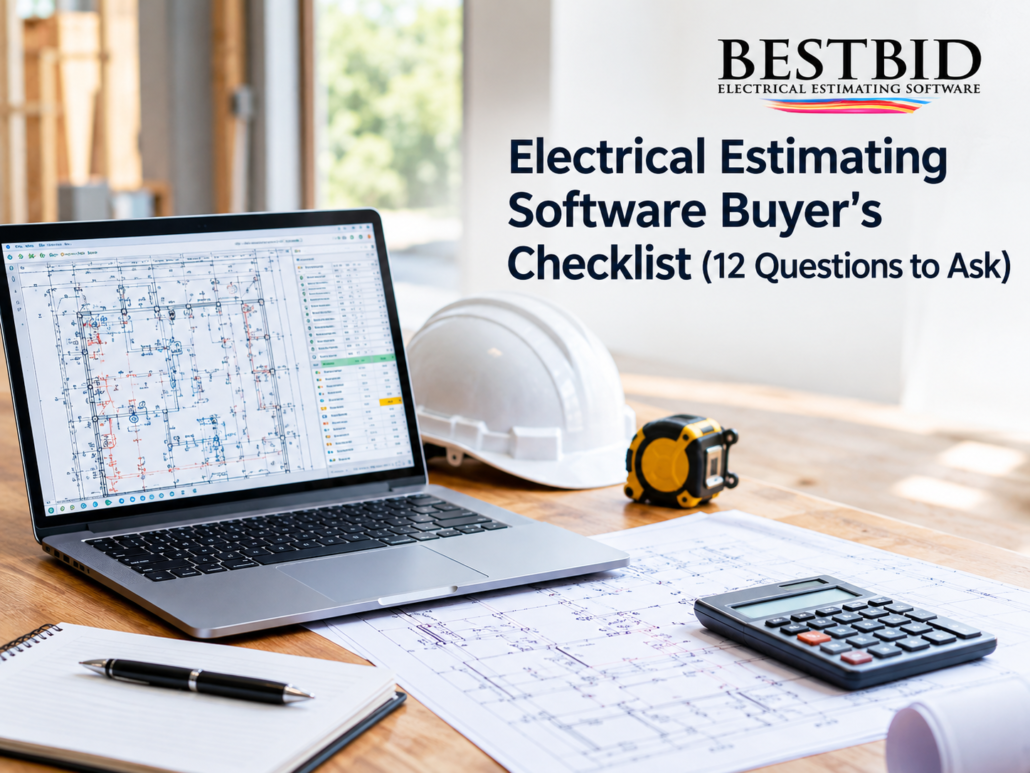
Before you buy electrical estimating software, ask these twelve questions: how you’re licensed and billed, whether support and updates are free or ongoing costs, whether takeoff is built in, whether the software speaks your language, whether you can build custom assemblies and substitute materials on the fly, whether labor difficulty can be adjusted by percentage, whether pricing stays current, whether it produces a real proposal, whether it tracks indirect costs, and whether anyone will actually teach you how to use it. If a salesperson can’t give you a straight answer to all twelve, keep shopping.
I’m Steve Griffin, and I’ve spent most of my working life inside electrical estimating software, first building it, then teaching contractors how to use it. Here’s how this checklist came together, and why each question on it exists for a reason.
Where This Checklist Actually Came From

Back around 1989, a company called First Choice Electrical Estimating Software, 1CEES for short, introduced the First Choice Budget Estimator. It was built for people who weren’t estimators by trade. Someone with very little electrical background could use it to get a workable budget number for a job. That single idea, making electrical pricing possible for people who didn’t grow up doing it, became the thread that ran through everything the company built afterward.
The Budget Estimator was eventually discontinued, but it exposed a real gap: contractors needed entry-level electrical estimating and bidding software that also taught them something along the way. So 1CEES built the 1CEES System for commercial estimating and the 1CEES Residential Electrical Estimator, the first bidding software built specifically for residential electricians. Both programs found real traction with contractors who wanted a smarter way to bid.
As the customer base grew, so did the demand for something more complete. That’s what led to the Best Bid Electrical Estimating product line, and eventually to the retirement of the 1CEES-branded products altogether. Today the company operates under the name Best Bid Electrical Estimating Software, even though its official name is still 1st Choice Electrical Estimating Software, a bit of naming history that only makes sense once you know the story behind it. You can read more of that history on our About Us page.
That history matters here because every question on this checklist maps to a real decision the company made, usually because contractors told us what was frustrating them.
1. Is the License a One-Time Purchase or a Recurring Bill?
This is the first question, because it changes the entire cost conversation before you ever look at features.
Some electrical estimating software is licensed like a subscription, you pay every month or every year just to keep the lights on. Other software, including Best Bid Electrical Estimating Software, uses an unlimited license with a one-time fee, meaning you own the software outright once you’ve purchased it. Ask directly: “If I stop paying, does my software stop working?” The answer tells you everything.
If the license model isn’t crystal clear before you buy, it will become clear at the worst possible time, during a busy bid season.
2. Does Technical Support Cost Extra?
Estimating software is only useful if you can actually run it when a bid is due tomorrow morning. Ask whether technical support is included or billed separately, and whether it’s available when you actually need it, not just during business hours in someone else’s time zone.
Best Bid includes free technical support as part of ownership, not as an add-on plan. That’s a direct answer to a question we heard from contractors for years: “What happens when I get stuck at 9pm the night before a bid is due?”
3. Are Software Updates Included, or Will I Be Billed Every Year?
Electrical products, pricing structures, and estimating needs change. Software that never gets updated becomes a liability, not a tool. But some companies use “updates” as a way to charge you again every year for something you already paid for once.
Ask specifically: “Are updates free for as long as I own the license, or is there an annual renewal fee?” Best Bid includes lifetime software updates with the one-time purchase, no separate annual update charge layered on top later.

4. Does the Software Include Built-In On-Screen Takeoff?
This is one of the biggest time-wasters in electrical estimating, and it’s worth asking about directly. If a software program doesn’t include takeoff, you’re stuck printing a full-size plan, highlighting symbols by hand, counting them manually, and then re-typing those totals back into your estimating software. That’s three separate steps where a single mistake can throw off an entire bid.
Best Bid’s On-Screen Takeoff is built directly into the software, so you import your PDF drawings and take off quantities right on your screen, no separate takeoff program, no re-typing your own counts, no second chance for a transcription error to sneak into your numbers. Every number only has to be entered once.
When takeoff and estimating live in the same program, a mistake made once during counting can’t quietly multiply itself into your final price.
5. Does the Software Speak Electrical Language, or Does It Feel Like Generic Accounting Software?
A lot of estimating software was built by programmers who have never actually estimated an electrical job. You can usually tell within the first ten minutes of a demo, the screens use generic business terms instead of the language electricians actually use on the jobsite.
Best Bid’s screens and estimating modules were built around electrical terminology specifically, because understanding what a button does the first time you see it is what turns into speed and accuracy over time. Ask any vendor to walk you through a live screen before you buy, not just a slide deck.
6. Can I Build and Save Custom Assemblies for My Specific Type of Work?
Generic, pre-built assemblies work fine until your job doesn’t match the generic case, and in electrical work, it rarely does. Ask whether the software lets you build your own assemblies, specific to things like grounding loops, transformer stands, control cabinets, elevators, swimming pools, or seismic material, and then save them for future estimates.
With Best Bid’s Custom Assemblies, you build a group of products once, save it to your Master Files, and recall it on future jobs instead of hunting through page after page of generic products every single time.
7. How Easily Can I Substitute Materials Mid-Estimate?
Value engineering happens on almost every commercial job. If your software makes material substitution a headache, you’ll dread the conversation instead of handling it in a few clicks.
Ask this directly: “If I need to change ½” EMT to ¾” EMT, or copper conductors to aluminum, how many steps does that take?” With Best Bid’s Advanced Substitutions, changes like that happen with a single click, so you stay in control of the estimate instead of rebuilding sections of it by hand.

8. Can Labor Difficulty Be Adjusted by Percentage, Not Just Fixed Columns?
Most electrical estimating systems still limit you to labor columns 1, 2, or 3, fixed categories that don’t reflect the real difficulty of a specific job or even a specific phase of a job. Ask whether the software allows finer control than that.
Best Bid includes a Labor Adjustment tab on every Assembly Summary sheet, letting you dial labor difficulty up or down by percentage, a little or a lot, on each individual page rather than only globally. That’s the difference between adjusting one number for the whole estimate and actually micromanaging labor where it matters.
9. Does the Software Support Real-Time or Regularly Updated Material Pricing?
Material prices don’t sit still, and keeping them updated by hand across an entire database eats time you don’t have. Ask how pricing updates work, manually, through a built-in service, or not at all.
Best Bid works with NetPricer and Real-Time Pricing services, and the database itself stays accessible enough that you can manually adjust prices on the fly when you need to. Through the company’s partnership with Esmarts’ NetPak, users also get access to searchable eCatalogs, certified product data, third-column market pricing, industry calculators, conversion tables, and distributor pricing pulled from IDEA’s Industry Data Warehouse.
10. Will It Produce a Professional Proposal, or Just a Spreadsheet of Numbers?
An accurate estimate that never turns into a clean proposal doesn’t win the job. Ask whether the software generates a client-ready proposal, and how much of it you can customize.
Best Bid’s Master Proposal lets you modify wording and set your own default, then auto-installs everything tied to that estimate, exceptions, assumptions, terms and conditions, scope, and your logo. You choose exactly what the customer sees.
11. Does It Have a Place for Indirect and Other Costs?
Bonds, permits, supervision, temp power, per diem, lifts, fuel, lost time, these costs are easy to forget and expensive when they’re missed. Ask whether the software has a dedicated place for them, or whether you’re expected to remember them manually every time.
Best Bid includes a specific section for Other Costs, plans, remote office, hotel, per diem, fuel, lifts, rentals, temp power, permits, supervision, meetings, and lost time, so these line items have a home instead of getting left out of the bid entirely.
12. Will Anyone Actually Teach Me How to Estimate Better?
Software alone doesn’t make someone a better estimator. Ask whether training comes with the purchase, or whether you’re on your own after the sale.
Through the Best Bid Online School for Electrical Estimating, contractors, project managers, and estimators, regardless of experience level, can learn how to structure estimates and price projects accurately, with courses built around each student’s specific needs. Beyond the software itself, the company also offers freelance electrical estimating and drafting services for contractors who need a bid built or a drawing produced by someone else entirely, along with AccuraCADD PDF Draw for creating and modifying PDF drawings, and a Panel Scheduler for building a professional panel schedule quickly.
Key Takeaways
- Ask about the license model first, a one-time fee with an unlimited license behaves very differently than a recurring subscription.
- Free technical support and lifetime updates should be part of ownership, not separate charges added later.
- Built-in On-Screen Takeoff removes an entire manual step, and an entire category of transcription errors, from your process.
- Custom Assemblies and Advanced Substitutions are what let the software adapt to your jobs, instead of forcing your jobs to adapt to the software.
- Training matters as much as the software itself, a program is only as good as your ability to use it well.
Frequently Asked Questions- Is Best Bid Electrical Estimating Software a subscription?
No. Best Bid uses a one-time fee with an unlimited license, so you own the software rather than renting access to it month to month. - Does Best Bid include takeoff, or do I need separate takeoff software?
Best Bid includes a built-in On-Screen Takeoff, so you import PDF drawings and count directly in the same program you estimate in. - Can I try the software before buying?
The company offers a free electrical estimating consultation and a Quick Screen Share demo with no high-pressure sales pitch, so you can see the software in action before deciding. - Is Best Bid suitable for large commercial contractors, or just small residential jobs?
Best Bid is built to estimate electrical projects of all sizes, and there’s a dedicated resource specifically for electrical estimating software for large contractors. - Where can I get more detail on features, pricing structure, or support?
The FAQ page and Contact Us page both cover these directly, and the blog has ongoing posts on estimating topics like this one.
No. Best Bid uses a one-time fee with an unlimited license, so you own the software rather than renting access to it month to month.
Best Bid includes a built-in On-Screen Takeoff, so you import PDF drawings and count directly in the same program you estimate in.
The company offers a free electrical estimating consultation and a Quick Screen Share demo with no high-pressure sales pitch, so you can see the software in action before deciding.
Best Bid is built to estimate electrical projects of all sizes, and there’s a dedicated resource specifically for electrical estimating software for large contractors.
The FAQ page and Contact Us page both cover these directly, and the blog has ongoing posts on estimating topics like this one.

Choosing electrical estimating software isn’t really about finding the program with the longest feature list. It’s about finding one built by people who have actually sat down and bid a job, because that’s the only way software ends up solving problems you didn’t know how to describe until you saw someone else had already solved them. That’s the same reason 1CEES started building software back in 1989, and it’s still why Best Bid Electrical Estimating Software gets built the way it does today.
About the Author
Steve Griffin is a designer and trainer at Best Bid Electrical Estimating Software, based in Marathon, Florida. Connect with him on LinkedIn.