How to Read Electrical Plans Without Printing Them
If you’ve ever rolled a full-size electrical plan across a conference table, grabbed three different colored highlighters, and started counting receptacles by hand, you already know the problem with this post. Every time you print a plan, highlight your symbols, total everything by hand, and then type those totals into your estimating software, you’ve opened the door to another mistake. You can read electrical plans directly from your computer screen instead, count and measure the drawing in the same place you build your estimate, and never touch a printer at all, and that’s exactly how Best Bid Electrical Estimating Software was built.
I’ve been estimating electrical work since the late 1980s, back when 1st Choice Electrical Estimating Software, what most people still call “1CEES”, was just getting started in 1989. I’ve watched this trade move from paper plans and adding machines to on-screen takeoff, and I still talk to contractors every week who are stuck doing it the old way. This post is about why that’s costing them time and money, and how to stop.

Why Do Electrical Contractors Still Print Full-Size Plans?
Most electrical contractors print plans out of habit, not because it’s the best method. For decades, there wasn’t really another option, if you wanted to count devices, measure conduit runs, or mark up panel locations, you needed paper on a table and a scale ruler in your hand.
The problem is what happens after the highlighting is done. You still have to add up every symbol by hand, then open your estimating software and type those totals in manually, phase by phase. Every manual transfer from paper to software is a place where a number can get dropped, duplicated, or miskeyed, and on a large commercial job, that one missed circuit or mistyped quantity can be the difference between a profitable bid and a job you regret taking.
Printing a plan doesn’t make you more accurate, it just adds a step where accuracy can be lost.
How Do You Read Electrical Plans Without Printing Them?
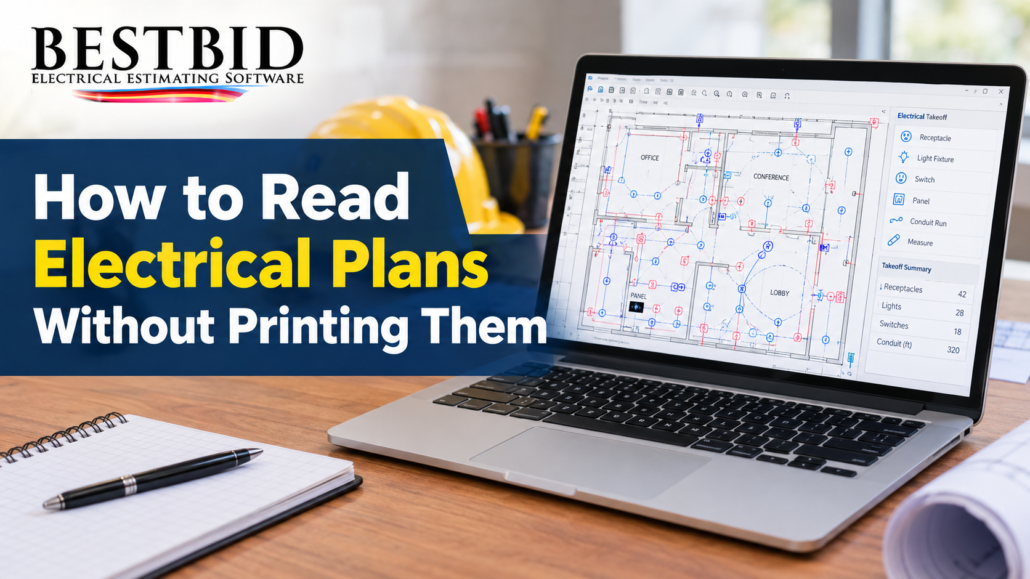
You read electrical plans without printing them by importing the PDF directly into your estimating software and performing your takeoff right on the screen, instead of on paper. This is what’s known as On-Screen Takeoff, and it’s built directly into Best Bid Hybrid Pro and Best Bid Next Generation.
Instead of printing, highlighting, and retyping, you open the plan on your monitor, count your devices and measure your runs with your mouse, and those quantities flow straight into your estimate. There’s no second step where numbers have to be re-entered, because the counting and the estimating happen in the same program.
I tell contractors this all the time: your estimating software is the single most important tool you own, because your business lives or dies on your ability to estimate accurately. If that tool still depends on a printer and a highlighter, it’s not doing its job.
What Is On-Screen Takeoff, and Why Does It Matter?
On-Screen Takeoff means counting symbols and measuring distances directly on a digital plan instead of a printed one, with those counts feeding automatically into your estimate. Best Bid Electrical Estimating Software is the only electrical bidding software with this built directly into the program, not bolted on, not licensed from a third party.
That distinction matters more than it sounds like it should. A lot of estimating software relies on separate, third-party takeoff tools that weren’t designed with an electrical contractor in mind. You count in one program, export the numbers, then import them into a second program to build the actual bid. Every export-and-import step is one more place for a number to get lost or changed.
With Best Bid’s On-Screen Takeoff, the counting and the pricing live in the same place. You enter your quantities once, and the software carries them straight through to your Assembly Summaries, Worksheet, and final Proposal.
When your takeoff and your estimate live in the same program, a number only ever gets entered once.
What’s the Difference Between Best Bid Hybrid Pro and Best Bid Next Generation?
Best Bid Electrical Estimating Software offers two main products, and both read PDF plans on-screen: Best Bid Hybrid Pro and Best Bid Next Generation. The Hybrid Pro has been Best Bid’s flagship software for years, designed to build estimates with the fewest keystrokes possible, it’s fast, it’s simple, and plenty of our long-time customers still run it every day.
Best Bid Next Generation is the more advanced option in the product line, built for experienced users who want more product choices, more options, and more control over how an estimate is assembled. Both products include the same built-in On-Screen Takeoff, so the choice between them comes down to how much flexibility you want, not whether you can read plans on-screen, you can, with either one.
Either way, you’re estimating electrical projects the same way whether the job is worth a few thousand dollars or a few million, the software scales with the work, not the other way around.
How Does AccuraCADD PDF Draw Help You Work From Plans On-Screen?

AccuraCADD PDF Draw is Best Bid’s drafting tool for creating and modifying PDF drawings with precision, and it’s a natural companion to reading plans without printing them. If a plan needs markup, a revision, or a cleaner drawing before you take it off, PDF Draw lets you do that work directly on the digital file, no print, no scan, no re-import.
For contractors who do freelance drafting work alongside their estimating, or who simply want cleaner plan sets to hand to their field crews, PDF Draw keeps everything in a digital workflow from the first markup to the final estimate. That’s the same philosophy that runs through everything Best Bid builds: fewer handoffs, fewer chances for a mistake to creep in.
What About Custom Assemblies and Value Engineering on Digital Plans?
Once a plan is on your screen and your quantities are flowing into your estimate, Best Bid’s Custom Assembly feature lets you group frequently used items, grounding material, transformer stands, control cabinets, pool equipment, seismic material, and recall them instantly on future jobs instead of rebuilding them from scratch. You open the database, check the items you need, and save that group for next time.
The same digital workflow makes Value Engineering changes simple. If a spec calls for ½” EMT and the customer wants to substitute ¾” EMT, or switch copper conductors to aluminum, you make that change with a click, directly inside the same estimate you built from your on-screen takeoff. You’re never stuck re-measuring a printed plan because a material changed, the quantities you already counted stay put, and only the pricing adjusts.
Digital takeoff doesn’t just save a printing step, it keeps your whole estimate flexible when the job changes.
How Do You Get Started Reading Plans On-Screen With Best Bid?
If you want to see this for yourself, the easiest first step is a free electrical estimating consultation or a walkthrough, where we share your screen and show you On-Screen Takeoff working on an actual plan. There’s no high-pressure sales pitch involved, the goal is simply to answer your questions and show you what’s different about how Best Bid handles a PDF plan compared to printing it.
For contractors who want to learn the estimating process itself, not just the software, our Online School for Electrical Estimating teaches the skills behind structuring and pricing an estimate, useful whether you’re brand new to estimating or you’ve been doing it for years and want to sharpen how you work.
A few practical steps if you’re making this switch for the first time:
- Stop printing the full-size plan. Open the PDF directly in your estimating software instead.
- Do your counting and measuring on-screen, using the built-in takeoff tool rather than a separate program.
- Let your quantities flow straight into your estimate instead of retyping totals from a highlighted sheet.
- Save repeated item groups as Custom Assemblies so you’re not rebuilding the same counts on every job.
- Use substitutions on-screen when specs change, instead of re-marking a printed plan.
Key Takeaways
- Printing a plan and transferring totals by hand creates an avoidable opportunity for mistakes in your bid.
- On-Screen Takeoff, built into both Best Bid Hybrid Pro and Best Bid Next Generation, lets you count and measure PDF plans directly on your screen.
- Best Bid is the only electrical bidding software with On-Screen Takeoff built in, rather than relying on a third-party tool.
- AccuraCADD PDF Draw lets you mark up or redraw plans digitally before takeoff, keeping the entire workflow off paper.
- Custom Assemblies and on-screen substitutions mean your digital takeoff stays useful even when a job’s specs change.
Frequently Asked Questions
- Do I need a separate takeoff program to read plans on-screen?
No. Best Bid’s On-Screen Takeoff is built directly into both Best Bid Hybrid Pro and Best Bid Next Generation, so your counting and your estimate live in the same software.
- What’s the real benefit of on-screen takeoff over printing a plan?
It removes the step where you manually transfer totals from a highlighted paper plan into your software, the step where numbers most often get entered wrong.
- Can I still mark up or edit a PDF plan if I’m not printing it?
Yes. AccuraCADD PDF Draw is built for creating and modifying PDF drawings with precision, so markups and revisions stay digital from start to finish.
- Does on-screen takeoff work for both residential and commercial jobs?
Yes. Best Bid Hybrid Pro and Best Bid Next Generation are built to estimate electrical projects of all sizes, using the same on-screen process regardless of job scale.
- How do I see on-screen takeoff in action before committing to anything?
Schedule a free walkthrough or a free estimating consultation and we’ll show you the process on a real plan, with no sales pressure attached.
About the Author
Steve Griffin is a designer and trainer at Best Bid Electrical Estimating Software, part of the 1st Choice Electrical Estimating Software (1CEES) product family founded in 1989. He works directly with electrical contractors across the US and Canada on estimating software, on-screen takeoff, and the Best Bid Online School for Electrical Estimating. Connect with him on LinkedIn or visit the Best Bid blog for more articles like this one.